

The first conversation
Type “Hi” — in the workspace chat, or in Telegram if the channel is already connected.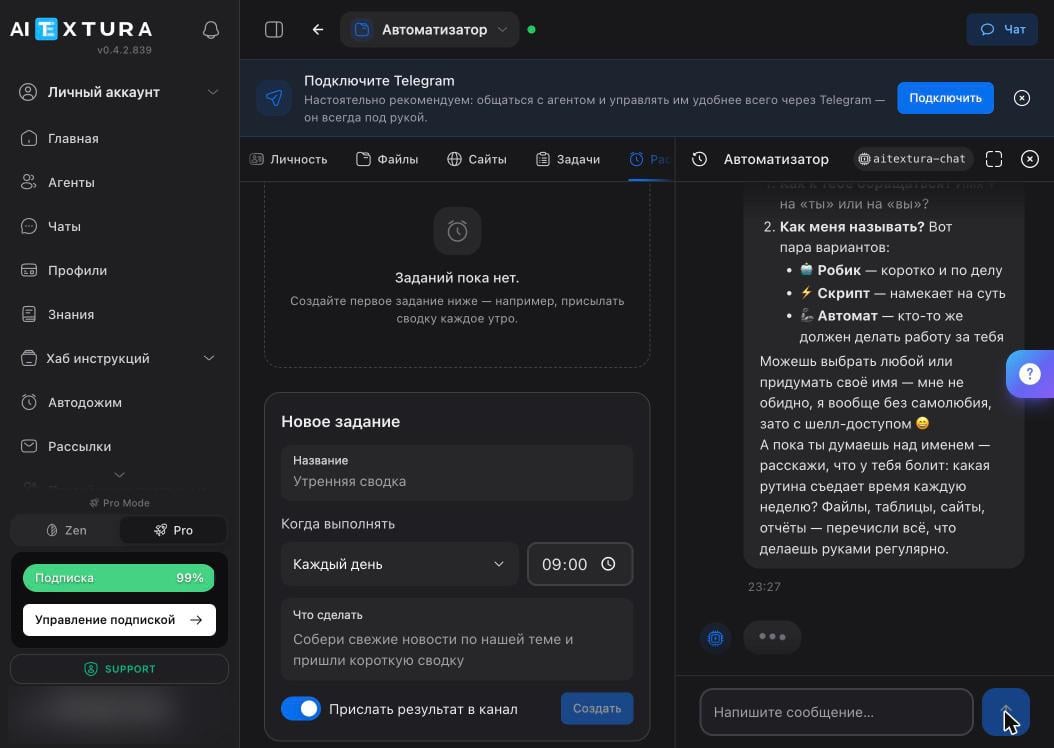
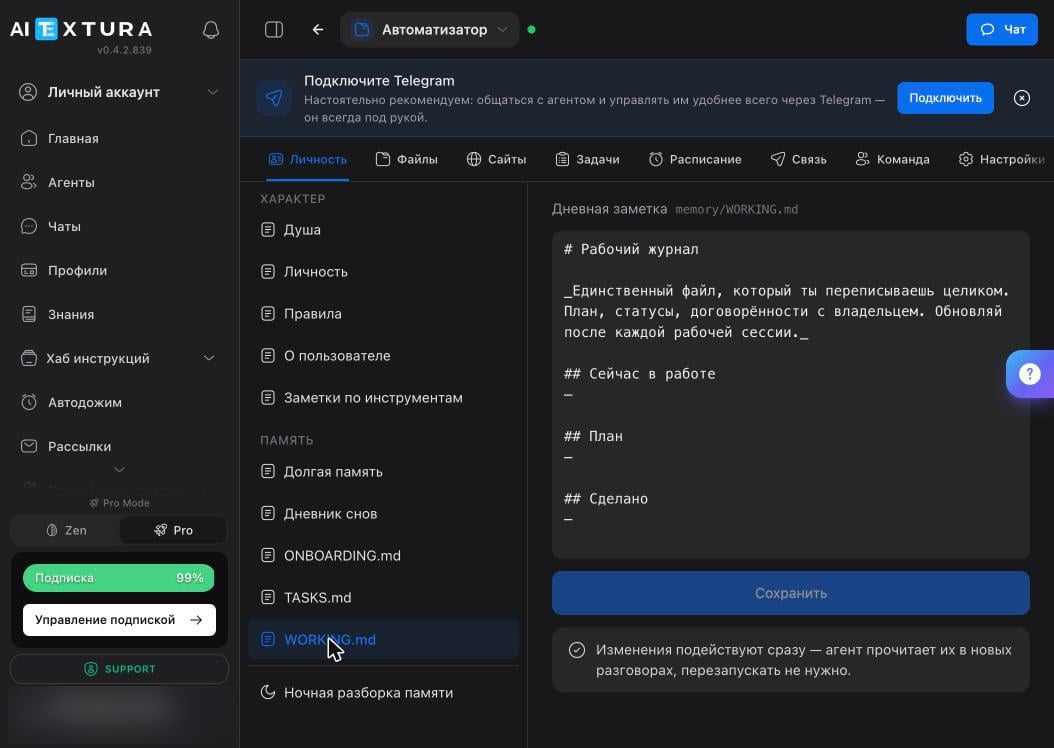
memory/ONBOARDING.md file — a first-run script that it follows step by step and then deletes at the end: the file’s absence is the “introduction complete” marker. You can view or rewrite the script on the Personality tab.
What it asks
The questions come one at a time — answer the same way, one at a time. An agent that gets everything dumped on it at once will simply lose some of it.
What to tell it right away
The more precisely you describe your situation, the fewer questions it will ask later.- What your business does and who your customers are — in one paragraph.
- Where the materials it will work with are: drive, spreadsheets, email.
- How you want to receive results: briefly in Telegram, as a file, as a spreadsheet.
- What it must not do without your permission — message people, publish, spend money.
The first task
Start with the routine you named in the briefing. Here’s what happens next:1
It clarifies the details
It asks about the format, the data source, and what counts as a finished result. That’s normal: the agent isn’t a genius, it’s a doer that needs boundaries.
2
It lacks access
Need a drive, email, or a spreadsheet? Ask right in the chat: “how do I connect Google Drive?”. It explains step by step what to click and installs the missing skill itself.
3
It does the work and shows the result
Check the actual result, not the report — the agent may say “done” after doing half. Learn more: Where the agent breaks.
4
It writes down how it was done
The workflow goes into its files. Next time the same task takes minutes, because it doesn’t need to figure it out again.
FAQ
The agent jumped straight into work and didn't say hello
The agent jumped straight into work and didn't say hello
That means the first-run script has already been completed and the file deleted — this happens if you chatted with the agent earlier. No big deal: just tell it about yourself in a regular message, and it will add that to its files.
I gave the wrong answer — can I redo it?
I gave the wrong answer — can I redo it?
Yes. Everything it wrote down is stored as text on the Personality tab: the About User document is about you, Personality is about the agent. Open it, edit, and click Save. Changes take effect in the next conversation; no restart needed.
It keeps asking the same thing
It keeps asking the same thing
Check whether the Memory ability is enabled under Settings → Abilities: without it, the agent doesn’t retain facts between conversations. If it’s enabled, write the recurring fact into the Long-Term Memory document yourself — that’s more reliable than waiting for the agent to save it.
The first task has been running for an hour
The first task has been running for an hour
Stop it and break it into parts. A sign the task is too big: the agent goes in circles clarifying details instead of showing an intermediate result. Give it a piece, accept it, give it the next one.
I want to redo the introduction
I want to redo the introduction
Open the Personality tab, find the
ONBOARDING.md document in the Memory block, and paste the script back in — the agent will run it in the next conversation. You can easily write the script in your own words: it’s plain text with steps.What’s next
Personality and Memory
The files where the agent records you and itself
Tasks
A board that shows what it has taken on
Schedule
The first scheduled job — a morning summary
Security and Access
What to allow, and what to hold back until trust is built