

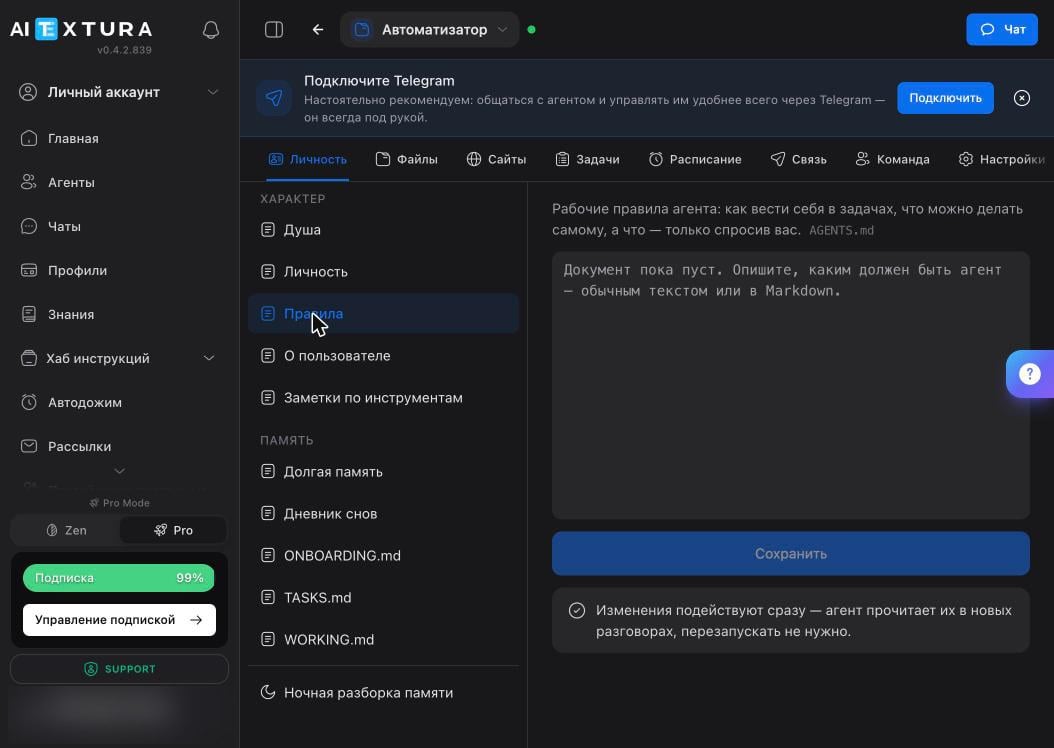
Character
Five documents describe who the agent is and how it works.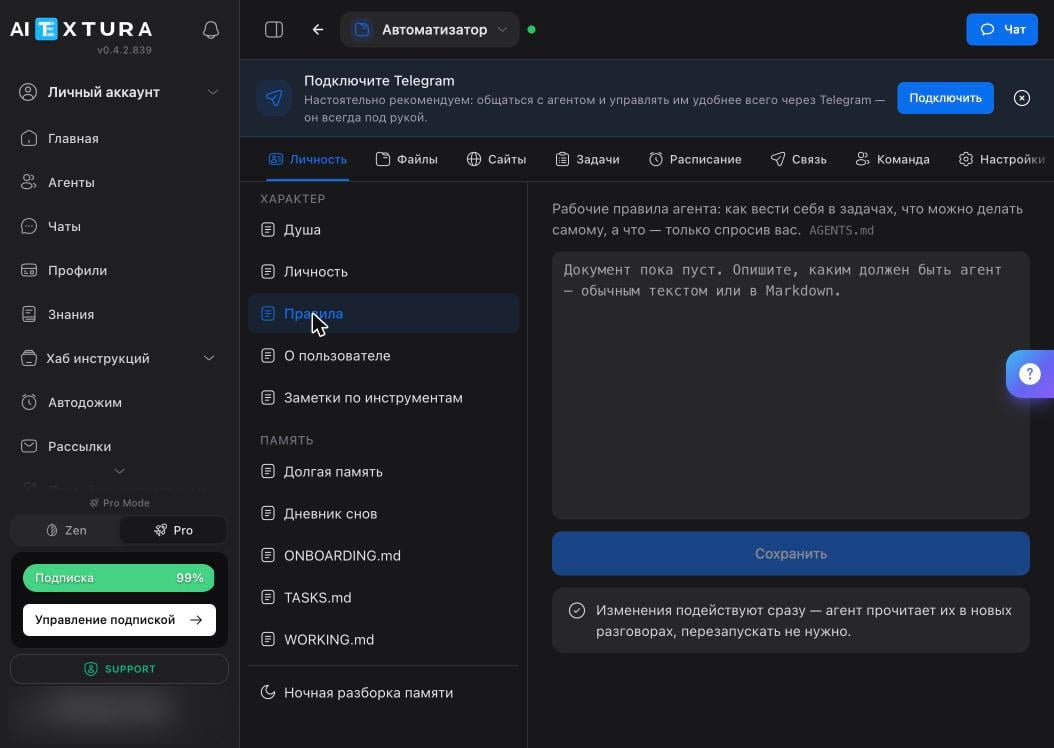
Memory
Four documents where the agent’s work accumulates. The first two are long-term; the agent maintains the rest as it goes.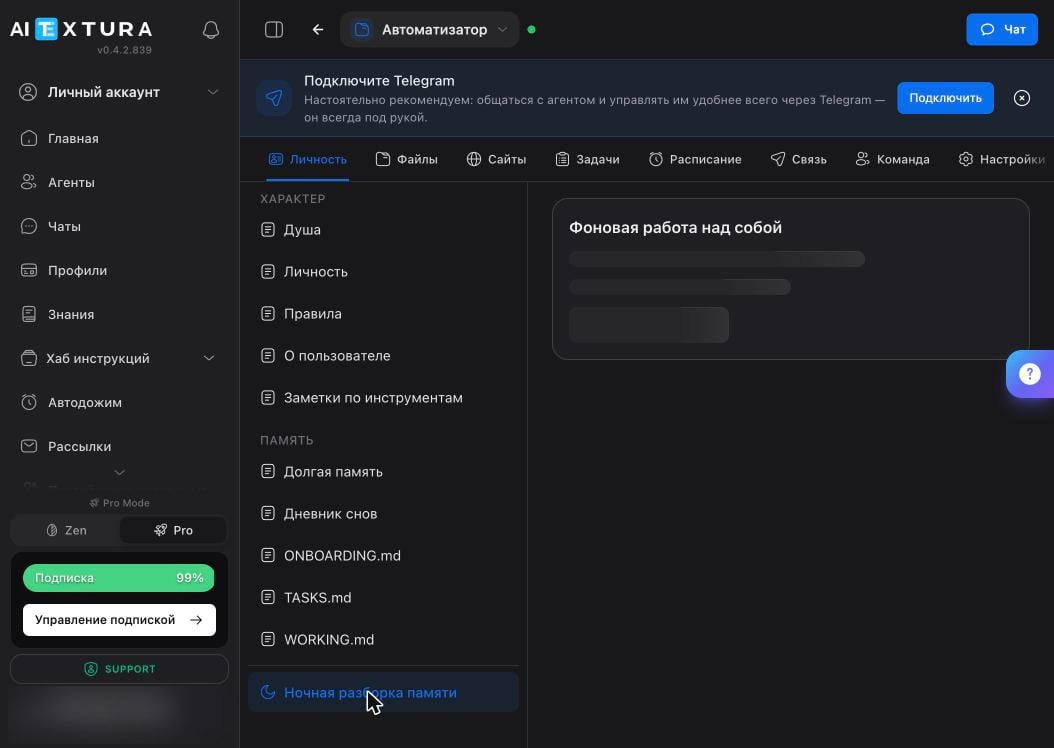
Nightly processing
A separate item under the Memory section opens the Background Self-Improvement panel. While you’re away, the agent rereads the day’s conversations, pulls out what matters, and moves it into long-term memory — from the Dream Journal into Long-Term Memory.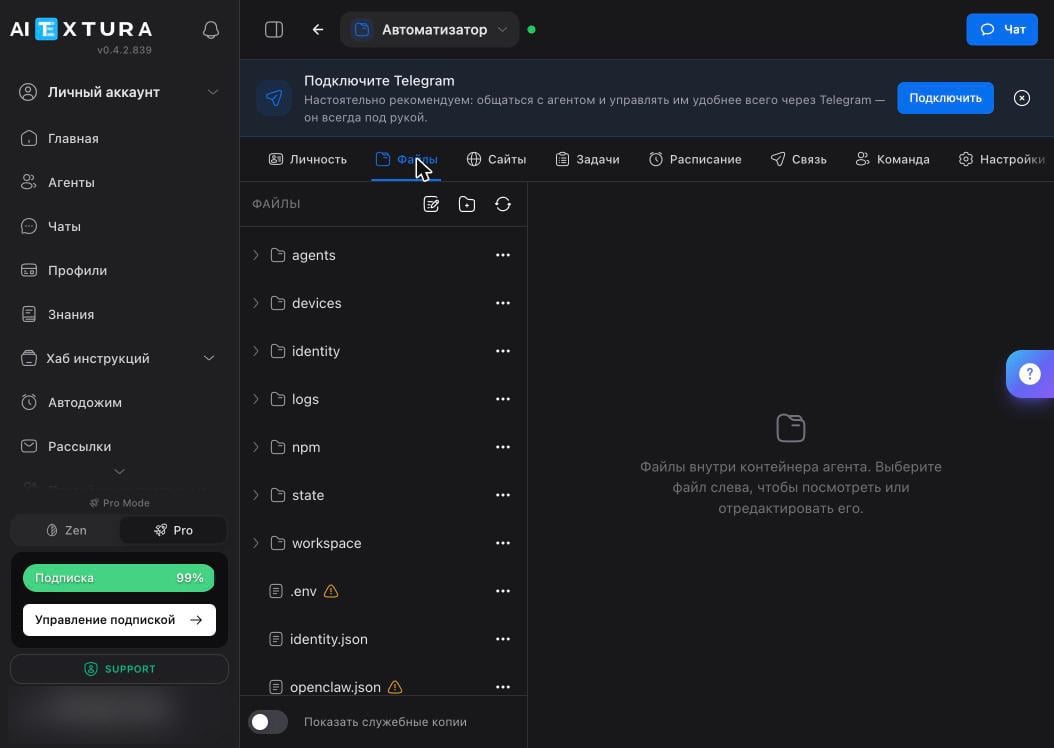
What to add yourself
The agent writes its own files, but three things are safer to enter by hand — they shouldn’t depend on what the agent decided was important.FAQ
I edited a document — do I need to restart the agent?
I edited a document — do I need to restart the agent?
No. Changes are picked up in new conversations. If an edit didn’t take effect, start a new conversation: the current one still holds the old version.
The agent forgot what we agreed on
The agent forgot what we agreed on
Working memory is finite, and long conversations get compressed — details are lost in the process. Add the fact to Long-Term Memory by hand. Also check that the Memory ability is enabled under Abilities.
The agent made up a fact
The agent made up a fact
Check Long-Term Memory and the Dream Journal: a wrong conclusion may have landed there during nightly processing and is now treated as true. Delete the incorrect line — you fix this by editing the file, not by arguing in chat.
I want to change the agent's name or tone
I want to change the agent's name or tone
The Personality document holds the name, manner, and mood. The Soul document holds what matters to the agent and what it won’t do. Change tone in the first, behavior in the second.
Can I write the files in English?
Can I write the files in English?
Yes, the agent understands both. Avoid mixing languages within one document — it muddles the workflow itself, not the agent’s understanding of the words.
A document is empty — is that an error?
A document is empty — is that an error?
No. Some documents are empty for a new agent: Personality, Rules, and About You are filled in during the first conversation or by you. An empty document shows the hint “Describe what the agent should be like — in plain text or Markdown.”
Advanced
You don’t need this to get started.Markdown and file structure
Markdown and file structure
Documents support Markdown:
## headings, lists, bold text. This helps the agent — it uses headings to find the right section without rereading the whole file. Keep one topic per document: rules in one place, facts about you in another.Why WORKING.md is rewritten in full
Why WORKING.md is rewritten in full
It’s a log of current work, not an archive: “in progress,” “plan,” “done.” If the agent only appended to it, the file would keep growing and eat up memory. The agent appends to all the other documents.
The same files appear in the Files tab
The same files appear in the Files tab
Yes, the Files tab shows them as regular container files alongside everything else. The Personality tab is a showcase for the documents you edit most often.
A separate model for history compression
A separate model for history compression
You can control what condenses long conversations: the Models section has a dedicated History Compression slot. This model needs precision more than intelligence — but one that’s too weak loses more details.
What’s next
Abilities and Skills
What the agent is allowed to do and which skills it has installed
Files
The agent’s entire working environment
Team
Separate personas with their own character inside the agent
Models
What the agent thinks with and what compresses its history