

Channels — overview
What a channel is and how it works in AI Textura
Talents
Catalog of MCP tools and integrations
Telegram
Connect a guest-facing communication channel
Knowledge Base
Information about the hotel and its services
What a PMS talent is
PMS (Property Management System) is the system that runs a hotel’s or rental property’s room inventory. A hotel AI employee absolutely needs an integration with the PMS: without one, the bot can’t answer “Is anything free on November 5?” or “How much is a suite?” — let alone create a booking. In AI Textura, PMS systems connect through talents — MCP servers (Model Context Protocol) that the AI uses to perform PMS operations live during a conversation.Supported PMS systems
The talent catalog includes 6 PMS systems:| PMS | Region | Property type | Authorization |
|---|---|---|---|
| MEWS | Global | Hotels, hotel chains | Configuration ID + Connector Token |
| Travelline | RU, BY, worldwide | Hotels | Hotel ID + Region |
| Bnovo | RU, CIS | Small hotels, guest houses | Hotel ID + Login + Password |
| RealtyCalendar | RU | Apartments, short-term rentals | API key |
| Bronirui Online | RU | Guest houses, mini-hotels | API key |
| MeHotel | RU | Hotels, apartments | API key |
If your PMS isn’t in the list, write to Support. We expand the catalog regularly. You can also connect a custom MCP server through “Create talent”.
Video walkthrough
How to connect a PMS talent
Open the agent's Talents tab
Go to AI Employees → pick the employee → Talents tab → Browse apps sub-tab.
Find your PMS
In the category filter pick Travel & Hospitality (or use search by name). The PMS talents are
MEWS, Travelline, Bnovo, RealtyCalendar, Bronirui Online, MeHotel.Fill in the credentials
See the per-PMS field descriptions below. Some values you’ll need to get from your PMS administrator or directly from the vendor.
Connection parameters per system
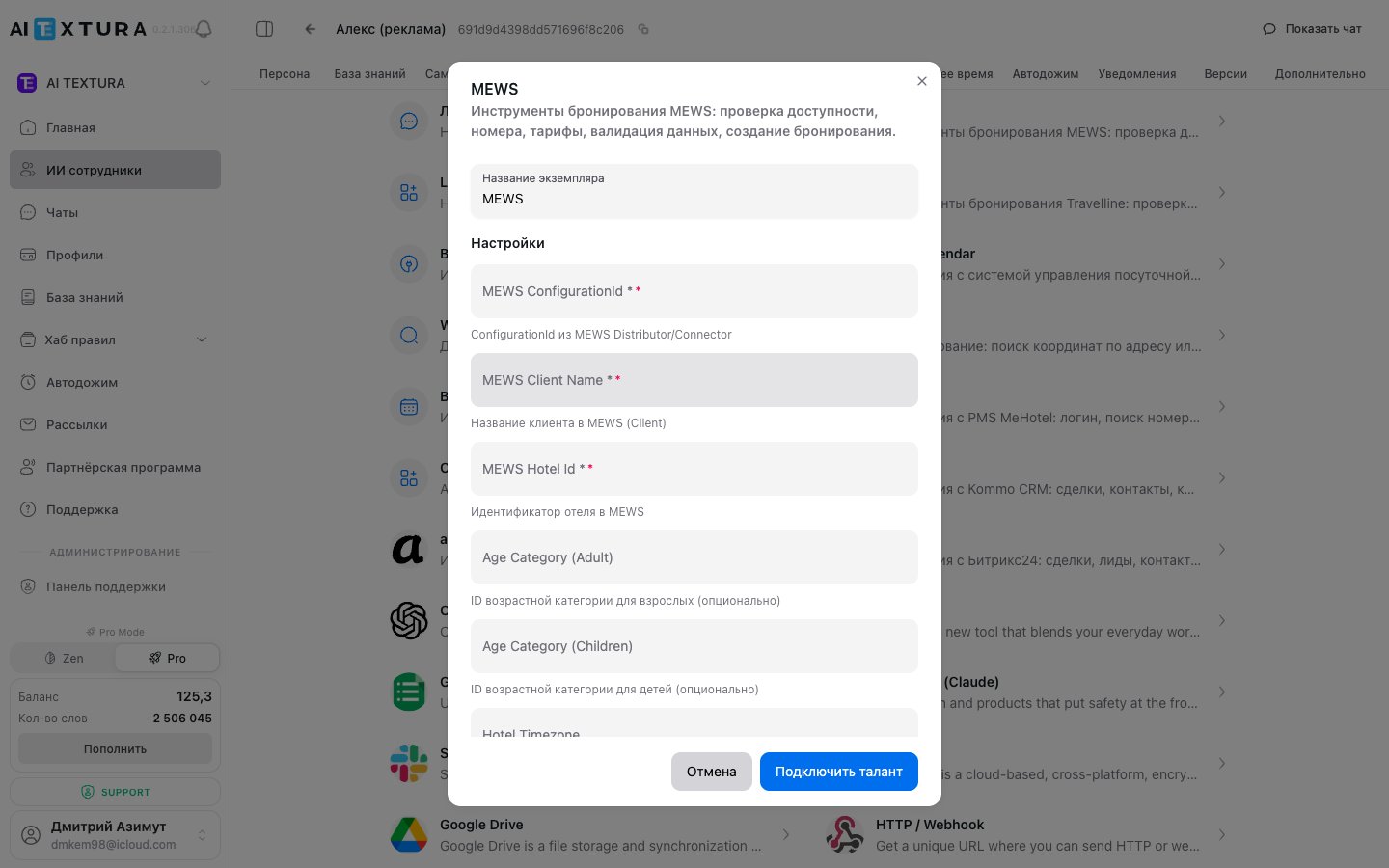
MEWS
| Field | Description | Where to get it |
|---|---|---|
| Configuration ID | The MEWS configuration identifier | From your administrator in the MEWS panel |
| Client Name | Client (hotel) name | In MEWS settings |
| Hotel ID | Hotel identifier in MEWS | In MEWS settings |
| Age Category Adult | ID for the “Adult” age category | Guest categories in MEWS |
| Age Category Children | ID for the “Child” age category | Guest categories in MEWS |
| Hotel Timezone | Hotel timezone | Hotel settings |
| Connector Client Token | Connector client token | Requested from MEWS |
| Access Token | Access token | Requested from MEWS |
| Client | Client application identifier | Requested from MEWS |
| Enterprise ID | Enterprise ID (for chains) | In MEWS settings |
Travelline
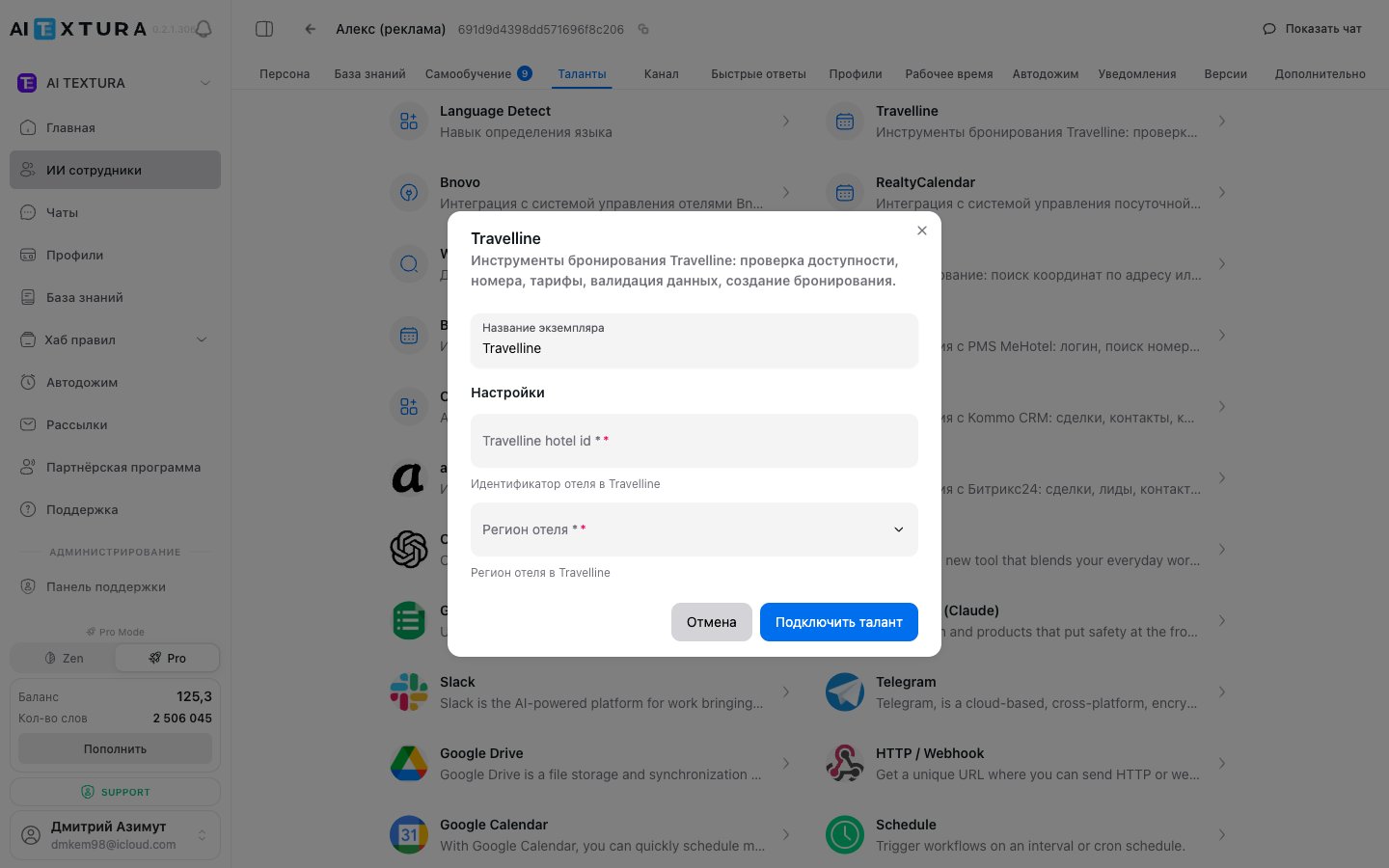
| Field | Description | Values |
|---|---|---|
| Hotel ID | Hotel identifier in Travelline | Numeric ID from the Travelline portal |
| Region | Which Travelline region you’re in | RU / BY / WORLD |
The region determines which Travelline API endpoint receives the requests. If your hotel is in Russia, pick
RU; in Belarus — BY; otherwise — WORLD.Bnovo
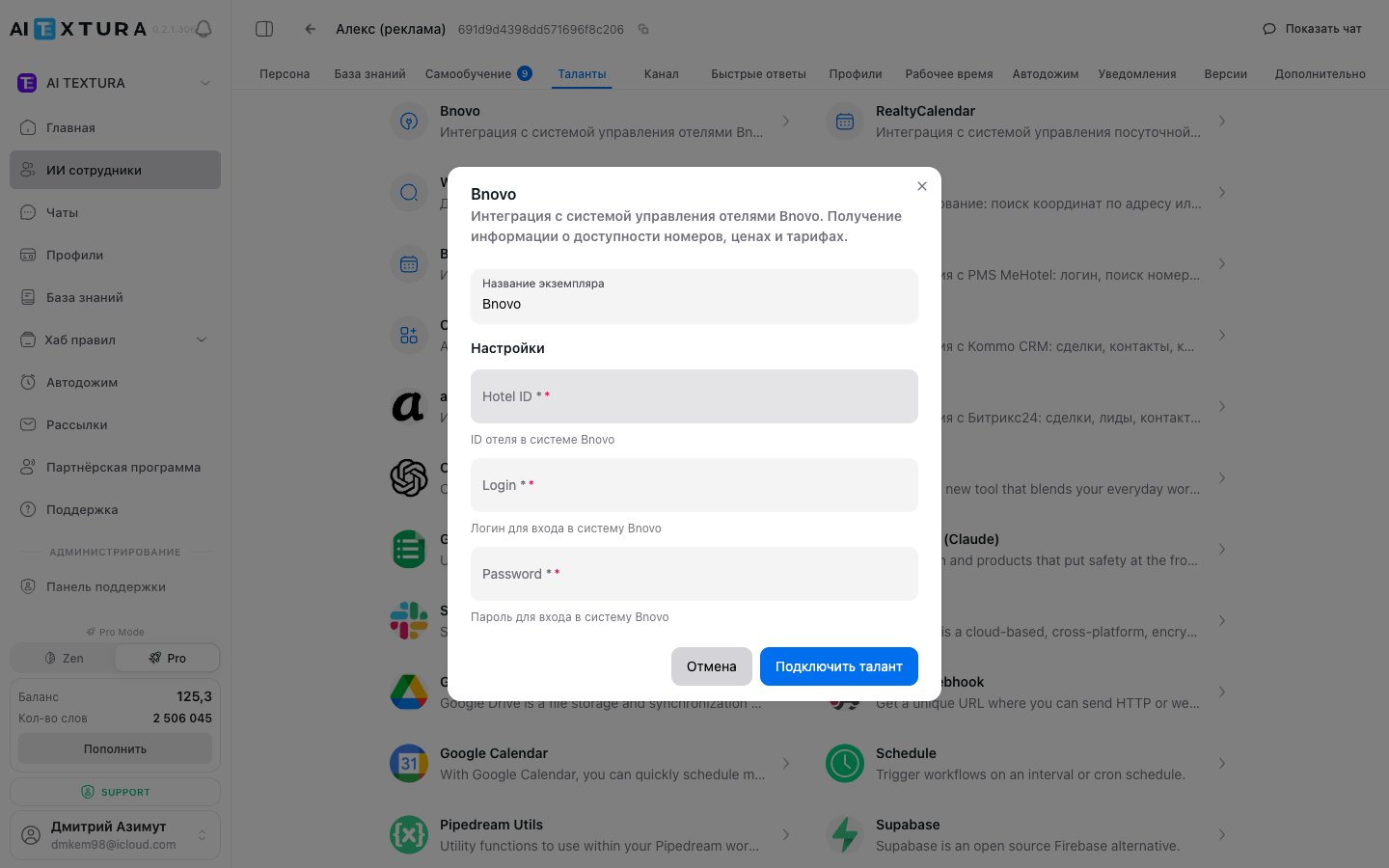
| Field | Description |
|---|---|
| Hotel ID | Hotel identifier in Bnovo |
| Login | Bnovo account login |
| Password | Bnovo account password |
RealtyCalendar
A PMS for apartments and short-term rentals. Connects with an API key from your RealtyCalendar account.| Field | Description |
|---|---|
| API Key | API key from RealtyCalendar settings |
Bronirui Online
A PMS for guest houses and mini-hotels. Connects with an API key.| Field | Description |
|---|---|
| API Key | API key from your Bronirui Online account |
MeHotel
A Russian PMS for hotels and apartments.| Field | Description |
|---|---|
| API Key | API key from your MeHotel account |
What the AI can do with a PMS
Once a PMS talent is connected, the AI employee can:- Check room availability for specific dates.
- Show rates and room category descriptions.
- Create a draft booking or hand the data off to a manager.
- Answer questions about a specific reservation (when the guest provides a booking number).
- Check check-in / check-out status during the day.
Setup after connecting
- Describe in the agent’s Persona that the AI is the hotel’s front-desk administrator. Include the hotel name, room types, booking policy, and so on.
- Connect a channel — Telegram, WhatsApp via Wazzup, or whichever messenger you use. See Channels.
- Add a knowledge base with descriptions of services, the cancellation policy, and house rules. The PMS supplies the room numbers; the knowledge base supplies everything else.
- Test the scenarios: booking, date changes, breakfast questions, cancellation requests.
Hotel chains
If you operate several hotels, create a separate AI employee for each one with its own PMS talent (its own Hotel ID / Configuration ID). You can route guests between employees through the rules system or channel routing.FAQ
What if my PMS isn't in the list?
What if my PMS isn't in the list?
Write to Support — the talent catalog is expanded regularly. As an alternative, you can connect a custom MCP server through “Create talent” (server type SSE / Streamable HTTP, authorization via API Key or Bearer Token).
Can I connect two different PMSes to one agent?
Can I connect two different PMSes to one agent?
Technically yes — both talents will appear in the connected list. In practice it rarely makes sense: one hotel = one PMS. It might apply to multiple properties under a single agent account, but in that case it’s better to split them across separate AI employees.
The AI says 'I can't check availability' — why?
The AI says 'I can't check availability' — why?
Check: (1) the PMS talent is connected and active; (2) the credentials (Hotel ID, tokens, logins) are current and haven’t been revoked on the PMS side; (3) the integration account in the PMS has permission to read the calendar and rates; (4) the agent’s instructions explicitly say to use the PMS tool for booking-related questions.
Can I let the AI create bookings automatically?
Can I let the AI create bookings automatically?
Yes — provided the PMS talent has write permission (booking creation) and the agent’s instructions explicitly allow it. For safety, we recommend running the “draft booking + manager confirmation” flow first and only switching to fully automated creation once you trust the conversation quality.
Travelline PMS — what should I pick in the 'Region' field?
Travelline PMS — what should I pick in the 'Region' field?
If your hotel is in Russia — pick
RU; in Belarus — BY; in any other country — WORLD. This determines which Travelline API endpoint receives the requests.I have MEWS credentials but I don't know which 'Configuration ID' to use.
I have MEWS credentials but I don't know which 'Configuration ID' to use.
A Configuration ID is issued separately for each integration in MEWS. Ask your MEWS partner manager for a “Configuration for the AI Textura integration” — they’ll activate the connector and send all the identifiers you need (Configuration ID, Client, Enterprise ID, tokens).
Is it safe to store a PMS login and password in AI Textura?
Is it safe to store a PMS login and password in AI Textura?
Credentials are stored encrypted and are only used for API requests to the PMS on behalf of the integration. We still recommend creating a separate account for the integration in your PMS (with the minimum required permissions) — that way you can revoke access at any time without affecting your main users.